
EAST TORONTO / ARTICLES
Practical technology guidance.
Clear, useful articles on tech support, resilience, and web design for Toronto homes, home offices, and small businesses.
Browse by service or explore the latest guidance below.
→ EXPLORE BY SERVICE
Start with what you need.
Browse articles through the same three areas East Toronto Tech supports.

01 / Tech Support
Wi-Fi, computers, printers, Microsoft 365, home offices, devices, and everyday technology problems.
02 / Resilience
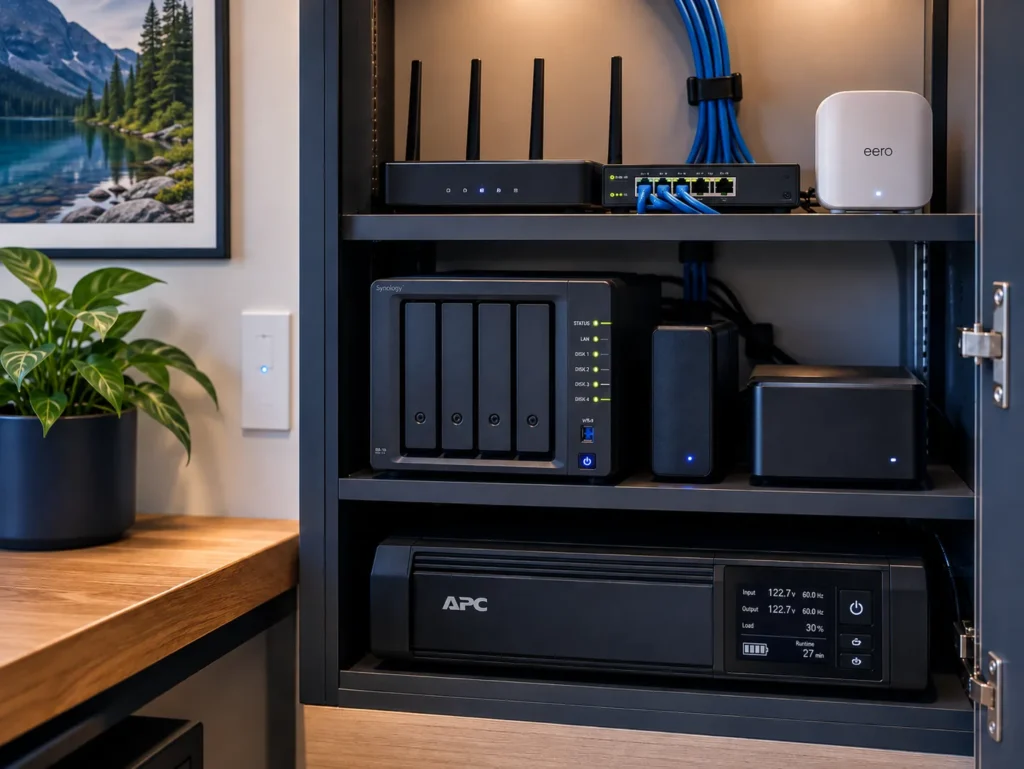
Backups, UPS systems, internet redundancy, data protection, power outages, and business continuity.

03 / Web Design
Small-business websites, WordPress, maintenance, performance, redesigns, and practical website planning.
→ LAtest Articles
Recent guidance.
New articles covering everyday technology, resilient systems, and practical web decisions.
-

How Much Does Small Business IT Support Cost in Toronto?
Small business IT support in Toronto can be billed hourly, by project, through prepaid hours, or as a monthly managed service. This guide explains current pricing ranges, what…
-

What Happens to Your Technology When the Power Goes Out?
A power outage affects different technology in different ways. Learn what happens to desktops, laptops, Wi-Fi, internet equipment, storage, cloud services, peripherals, and other systems when the power…
-

Why a Small Business Website Can Be Slow, and What to Check First
A slow small-business website can be caused by hosting, oversized images, plugins, scripts, themes, fonts, caching, or several smaller problems working together. This guide explains what to check…
-

A Simple Technology Checklist for a Small Business
A small business technology environment can become complicated one decision at a time. Use this practical checklist to review computers, accounts, email, backups, internet, security, employee onboarding, documentation,…
-

Simple Business Continuity Planning for a Small Business
Business continuity planning does not need to be complicated. Learn how a small business can prepare for computer failures, internet outages, power loss, data recovery, account problems, and…
-

Website Redesign or Repair: How to Decide
An older website does not automatically need to be rebuilt. Learn how to decide whether targeted repairs, a visual refresh, or a complete redesign makes more sense based…