
EAST TORONTO / TECH SUPPORT
Technology problems, handled clearly.
Support for computers, Wi-Fi, email, Microsoft 365, Google Workspace, printers, devices, moving & home setup, and the everyday technology issues that interrupt home and work.
Remote support is available when it can solve the problem efficiently, with onsite service when a closer look is needed.
See What We Help With ↓
→ WHAT WE HELP WITH
Support for the technology you rely on every day.
From individual devices and home networks to email,
cloud services, and office equipment,
East Toronto Tech helps diagnose problems, get systems
working properly, and make technology easier to manage.
Computers & Devices
Slow computers, software problems, setup, updates, device configuration, and everyday Windows or Mac issues.
Wi-Fi & Connectivity
Home and small-business Wi-Fi, internet troubleshooting, network setup, connection problems, and improving reliability.
Microsoft 365, Google Workspace & Email
Outlook, Gmail, Microsoft 365, Google Workspace, OneDrive, Google Drive, Teams, Meet, account setup, and everyday email or cloud-service issues.
Printers & Peripherals
Printers, scanners, monitors, webcams, docks, accessories, and the devices that need to work properly with everything else.
New Device Setup
New computers, phones, tablets, accounts, software, updates, data transfers, and getting a new device ready to use.
Home Office Technology
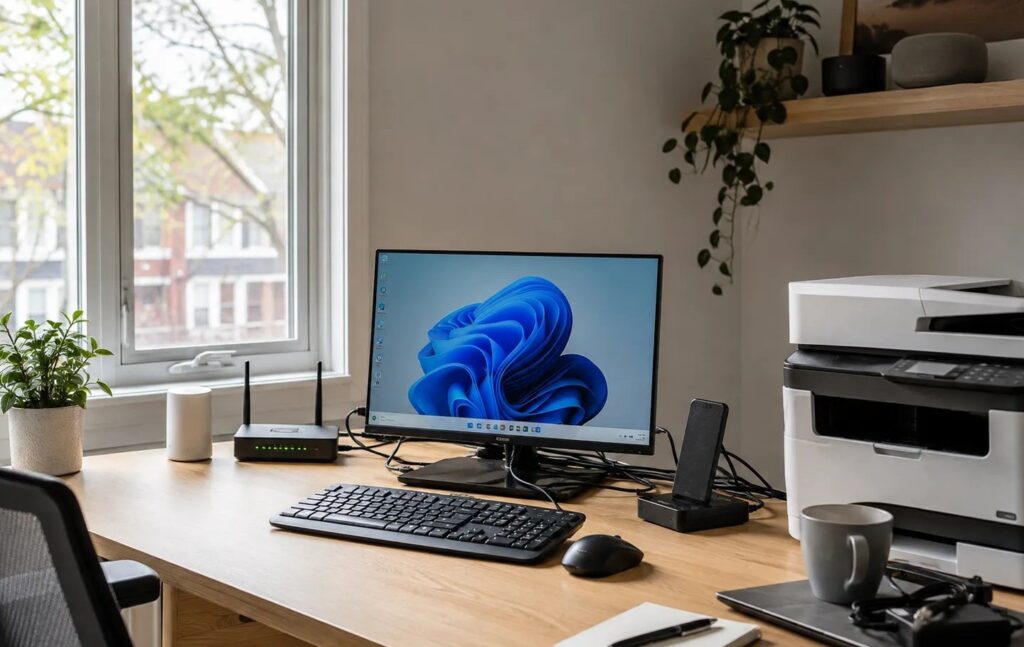
Workstations, video conferencing, multi-device workflows, connectivity, and helping the technology in a home office work together reliably.
→ REMOTE & ONSITE SUPPORT

Support where it makes the most sense.
Not every technology problem requires an onsite visit. When an issue can be handled remotely, East Toronto Tech can connect securely and work through the problem without the time and cost of a service call.
Remote Support
Remote support is well suited to software problems, email and account issues, Microsoft 365 and Google Workspace, settings, troubleshooting, and many everyday computer problems.
Onsite Support
When the issue involves Wi-Fi, printers, hardware, multiple devices, physical setup, or anything that needs to be inspected in person, onsite service is available across Toronto and the GTA.
Remote when it saves time. Onsite when it needs a closer look.
→ HOW SUPPORT WORKS
Straightforward from first contact to follow-up.
Start by telling us what’s happening and how it’s affecting you. From there, we’ll determine the best way to help and explain what comes next.
01 / Tell Us What’s Happening
Describe the issue, the devices involved, and anything that changed before the problem started.
02 / Determine the Best Approach
We’ll establish whether the issue can be handled remotely or if an onsite visit makes more sense.
03 / Work Through the Problem
We’ll diagnose the issue, make the agreed changes, and get things working as they should.
04 / Know What Comes Next
We’ll explain what was done, flag anything worth watching, and outline any follow-up recommendations.
→ RELATED GUIDANCE
Explore Tech Support guidance.
Helpful articles on Wi-Fi, computers, home offices, and everyday technology decisions.
-

Why Is My Wi-Fi Slow in Some Rooms?
Wi-Fi that works well in one room and poorly in another usually has a specific cause.…
-

Where Should You Put Your Wi-Fi Router?
Router placement can have a major effect on Wi-Fi coverage. Learn why central, open, elevated locations…
-

When Should You Replace an Older Windows PC?
An older Windows PC does not need replacing simply because of its age. Learn how performance,…
→ GET SUPPORT
Need help with a technology problem?
Tell us what’s going on and we’ll help determine the next step, whether that means remote support or an onsite visit.