Where Should You Put Your Wi-Fi Router?
Wi-Fi performance can change significantly depending on where the router sits in the home. The equipment may be perfectly capable and the internet plan fast, yet coverage can still be disappointing because the router is tucked into a poor location. Internet equipment often ends up wherever the service enters the building, near a television, or wherever an installer could conveniently reach an outlet.
Those locations may be practical for cabling without being ideal for distributing Wi-Fi. A better router position can sometimes improve coverage without replacing any equipment. The goal is to find a location that works with the layout of the home rather than against it.
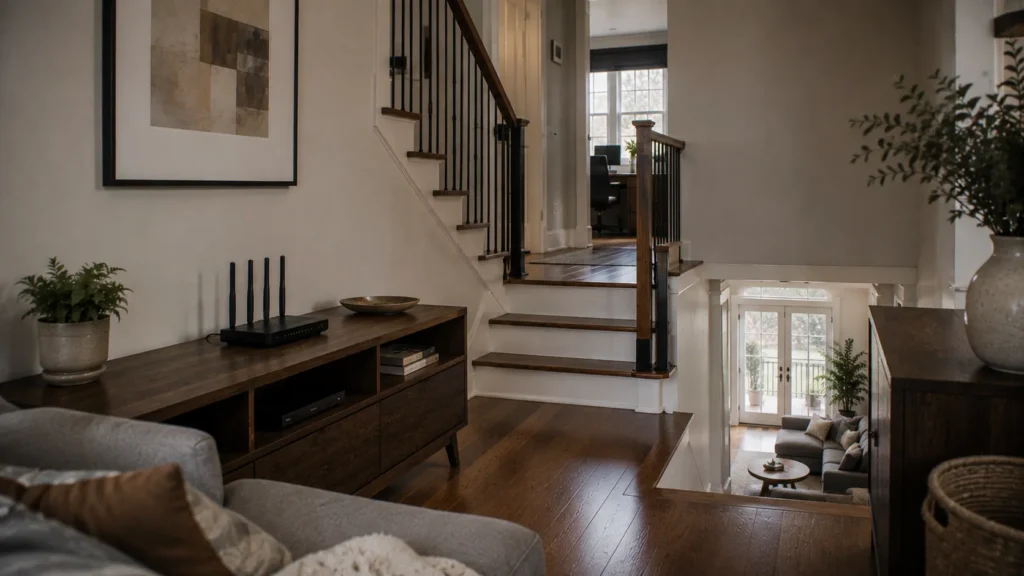
Aim for a Central Location
In general, a router should sit reasonably close to the centre of the areas where wireless devices are used. That does not necessarily mean the geometric centre of the house. If most connected devices are on the main and upper floors, placing the router in a basement utility room simply because it is vertically central may not help much. The useful centre is based on where people actually use the network.
Think about the rooms that matter most, such as the living room, kitchen, home office, bedrooms, and entertainment area. A storage room or mechanical space may matter very little by comparison. The more evenly the router can reach the important areas, the less distance the wireless signal has to cover. This is especially relevant in long or narrow homes, where moving a router away from the extreme front or back can improve coverage at the opposite end.
Keep the Router Out in the Open
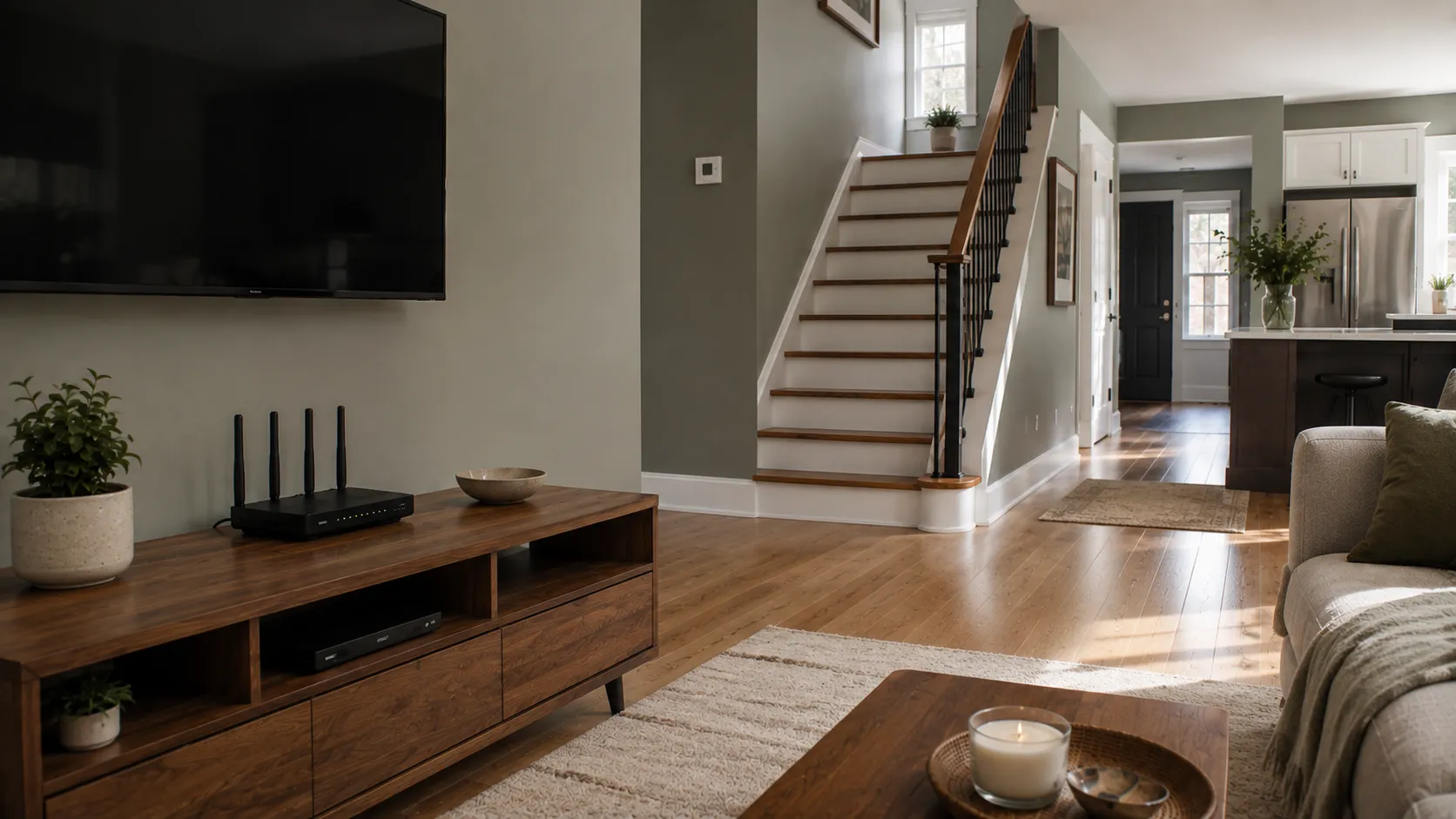
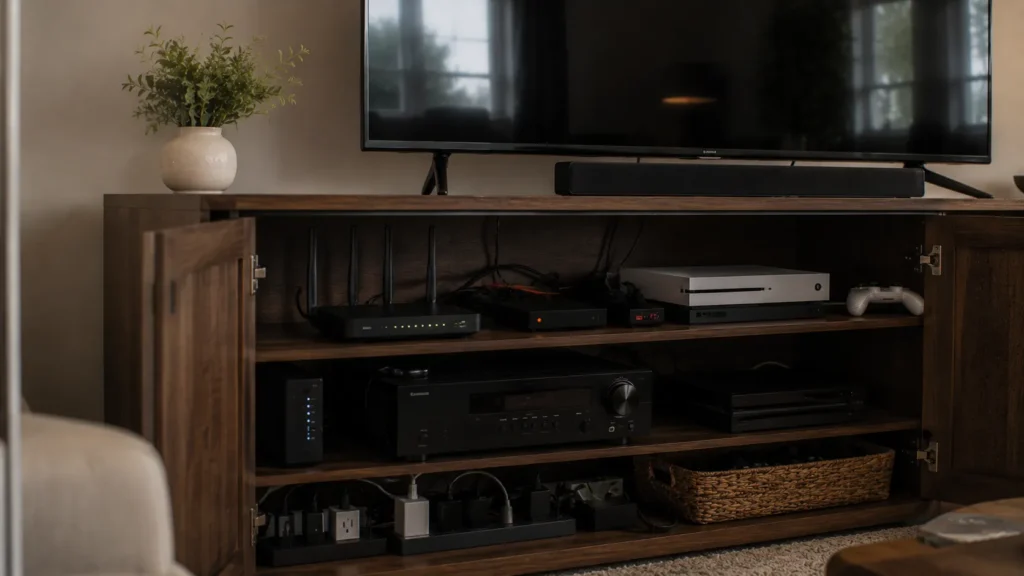
Routers generally perform better when they have clear space around them. Hiding networking equipment inside a cabinet can weaken or distort the wireless signal, especially when the enclosure contains metal, electronics, or dense materials. Placing the router behind a television can create similar problems because large electronics, entertainment units, and surrounding cabling add more obstacles.
A more open shelf, console, or elevated surface is often a better choice. The router does not need to be displayed prominently, but it should have enough space around it to communicate effectively with the rest of the home. Open placement also helps with ventilation because networking equipment operates continuously and should not be enclosed so tightly that heat builds up.
Height Can Help
Routers usually benefit from being positioned above floor level. Placing the equipment low behind furniture creates additional obstacles before the signal even begins travelling through the home. A shelf, console, or other raised surface is generally preferable to the floor. The exact height matters less than avoiding unnecessary obstruction.
This becomes particularly useful when the router is surrounded by couches, cabinets, desks, or other large furniture. Raising it above some of those obstacles can help the signal travel more freely through the room. There is no need to mount the router near the ceiling simply for the sake of height. A sensible elevated location with open space around it is usually enough.
Avoid Large Metal Objects and Appliances
Metal can interfere with wireless signals, so router placement near large metal objects is best avoided where practical. Filing cabinets, metal shelving, major appliances, large televisions, and other dense objects can create difficult paths between the router and nearby rooms. Kitchens can therefore be challenging because they combine appliances, cabinetry, plumbing, and other materials that may affect coverage.
If the router is near a kitchen and Wi-Fi becomes noticeably worse on the other side, the physical environment may be part of the explanation. You do not need a completely empty room for good Wi-Fi. The goal is simply to avoid placing the router where the signal is immediately surrounded by dense or obstructive materials.
Consider Walls, Floors, and Building Materials
Wi-Fi can travel through walls and floors, but different materials affect it differently. Drywall is usually less difficult than concrete, masonry, brick, metal, or dense structural materials. Several ordinary walls in succession can also have a noticeable effect even when no single wall seems particularly substantial.
This is one reason router placement in multi-storey homes requires some thought. A router at one end of the main floor may need to send a signal diagonally through several walls and a floor to reach an upstairs bedroom at the opposite end. Moving the router toward the centre can shorten that path considerably. Toronto homes also vary widely in age and construction, so an older house with dense materials or additions may behave very differently from a newer open-plan condo. The building itself is part of the network environment.
Think Vertically in a Multi-Storey Home
In a house with several floors, Wi-Fi has to travel vertically as well as horizontally. A router in the basement may provide excellent coverage nearby while struggling to reach upper bedrooms, while a router on the top floor can create the opposite problem. The main floor is often a reasonable starting point because it places the router between upper and lower levels, although the best location still depends on where important devices are used.
If a home office occupies the basement and most other devices are upstairs, one router may be asked to cover too much vertical distance. Placement can still help, but it may not eliminate the need for another access point or mesh node. Moving a router can improve a network, but it cannot always overcome several floors, dense construction, and long distances by itself. A good location gives the existing equipment its best chance before you decide whether additional coverage is required.
Keep It Away From Crowded Electronics
Routers often end up beside televisions because that is where the internet service was originally installed. Crowded entertainment setups are rarely ideal because televisions, game systems, streaming devices, receivers, speakers, power supplies, and cable bundles all occupy the same small area. The router may still work, but its location becomes unnecessarily difficult.
If possible, move it slightly away from the densest cluster of electronics while keeping the required network connections intact. Even a short distance can create more open space around the router. The same principle applies to home offices, where burying a router beneath a desk surrounded by computers, docks, monitors, power supplies, and cables can work against good coverage. Use a more open nearby location when one is available.
Do Not Put It in the Basement Just Because the Internet Enters There
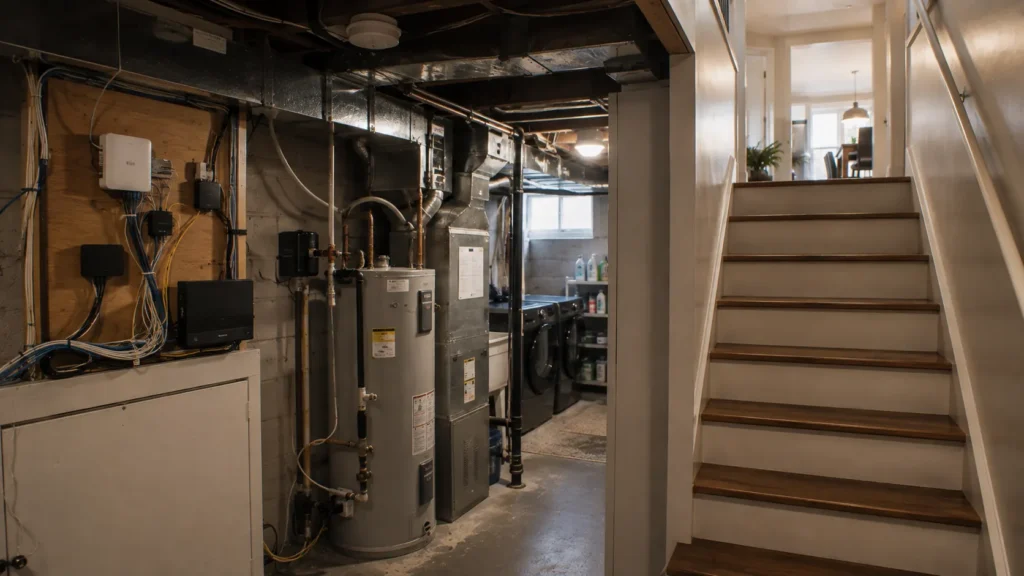
Basement placement is common because cable and fibre services often enter the house near utility areas. These spaces may sit at one edge of the home and contain concrete, ductwork, plumbing, electrical equipment, appliances, and other obstacles. If most wireless devices are used one or two floors above, the router begins at a disadvantage.
That does not mean you should start disconnecting provider equipment and moving it upstairs. The modem or gateway may need to remain where the service enters the home. Instead, consider whether the wireless portion of the network can be located elsewhere through Ethernet, a separate access point, or a mesh system. The important distinction is between where the internet enters the house and where Wi-Fi should ideally be distributed from. Those locations do not always need to be the same.
Condo Router Placement Has Different Challenges
Condos may have less distance to cover, but they can introduce other wireless problems. Neighbouring Wi-Fi networks are often much closer together, and the router may be installed inside a structured wiring panel or utility cabinet. Those locations can be convenient for network cabling while being less than ideal for wireless coverage.
A smaller home can also offer fewer options for moving equipment without affecting the appearance or use of the space. In many condos, one well-positioned modern router can still provide excellent coverage. If the router is hidden inside a metal or enclosed cabinet, improving its position may make more sense than adding more Wi-Fi hardware. The relatively short distances involved mean placement problems can sometimes be corrected very effectively.
Pay Attention to Where People Actually Work
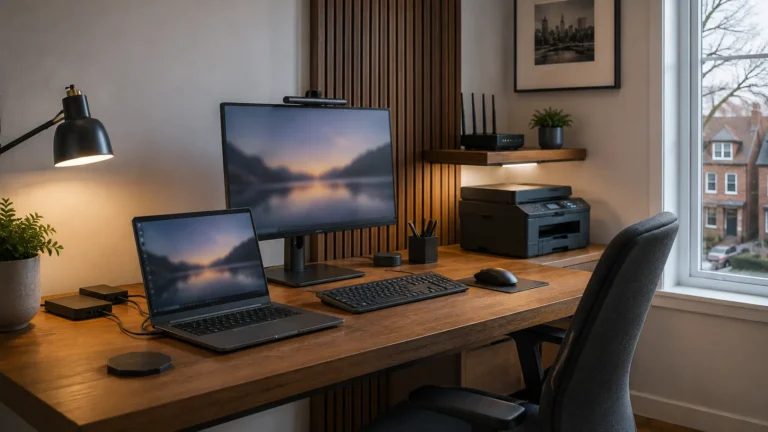
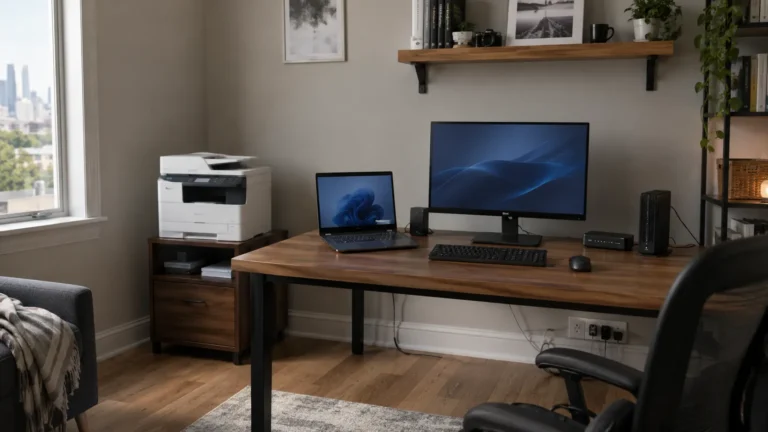
Home-office reliability deserves particular attention because the room may have been chosen for privacy rather than connectivity. A basement room, converted bedroom, attic space, or addition can become a perfectly good office while sitting in one of the worst parts of the house for Wi-Fi. If remote work depends on video calls, cloud applications, large file transfers, or remote access, test the connection from the actual desk rather than assuming good performance elsewhere is enough.
Router placement should reflect the importance of that room. If the office is one of the most network-dependent areas of the home, it may deserve a stronger connection than a rarely used guest room. If the router cannot reasonably serve it from the best overall location, an extender, mesh node, Ethernet connection, or wired access point may be appropriate. Our guide to why Wi-Fi can be slow in some rooms explains how to identify whether a particular location is suffering from distance, obstacles, interference, or another issue.
Move the Router Only When You Understand the Connections
Relocating a router can be useful, but do not move internet equipment blindly. A router may connect to a separate modem, fibre terminal, Ethernet switch, telephone service, television equipment, or other provider hardware. Disconnecting cables without knowing where they go can create a much larger problem than weak Wi-Fi. Before moving anything, identify what equipment is installed and how it connects.
If the router is separate from the modem or internet gateway, there may be some flexibility in where it can sit. An Ethernet cable can sometimes allow the wireless router to be positioned farther from the service-entry point without moving the incoming connection itself. In other setups, the provider gateway handles both the internet connection and Wi-Fi, so extending the network with another device may be easier than moving the gateway. Understanding the existing setup first keeps the change controlled and reversible.
Test Before and After Moving It
If you change the router location, test the same rooms again with the same phone or laptop. A successful move should improve the areas that originally caused trouble without creating serious new weak spots elsewhere. Make one change at a time so you can tell what actually helped.
Real-world testing is more useful than chasing a perfect speed-test number. If the home office now handles video calls reliably and the basement television streams without interruption, the change has accomplished something meaningful. Test the activities that matter in the rooms where they actually happen. A move that improves one room but creates a serious problem in another may mean the home has reached the limits of what one Wi-Fi source can cover.
When Better Placement Is Not Enough
Some homes are simply too large, segmented, or challenging for one router to provide reliable Wi-Fi everywhere. If the router is already in a sensible position and several rooms or floors remain weak, additional coverage may be necessary. A Wi-Fi extender can be useful for one relatively small problem area, while mesh Wi-Fi becomes more attractive when several parts of the home need better coverage.
If Ethernet cabling already reaches those areas, wired access points or wired mesh connections may provide an even stronger option. Our guide to Wi-Fi extenders versus mesh systems looks more closely at how to choose between those approaches. Additional equipment should follow diagnosis because poor placement can otherwise be hidden beneath more hardware. Start by giving the existing router a fair chance to work before adding complexity.
When Professional Wi-Fi Help Makes Sense
Router placement is often something a homeowner can improve independently, especially when the existing setup is simple. Professional help becomes worthwhile when the best location is unclear, the router cannot easily be moved, several floors remain unreliable, or the home contains networking equipment and cabling that are difficult to identify. It can also help when dependable home-office connectivity is important and basic changes have not solved the problem.
A useful assessment should consider where the internet enters the home, where Wi-Fi is actually needed, what materials and obstacles sit between those areas, what wiring already exists, and what equipment is installed. That allows the recommendation to address the actual limitation rather than assume new hardware is required. East Toronto Tech provides Wi-Fi and connectivity support for Toronto homes and home offices, including router-placement troubleshooting, coverage assessment, and recommendations for extending the network when placement alone is not enough. The aim is to make sensible use of the equipment and wiring already available before adding unnecessary complexity.
Give the Router the Best Chance to Work
A router cannot control the shape of the house, the materials in the walls, or where the internet service enters the building. Its position can still make a substantial difference. Keep it reasonably central to the areas that matter, give it open space, raise it above floor level, and avoid surrounding it with dense materials or crowded electronics.
Then test the rooms where the connection actually needs to work. If a sensible location still cannot provide reliable coverage across the home, that is useful information because the network may need more than one Wi-Fi source. Good placement is the simplest place to start because it lets the equipment you already own do the best job it can.