Wi-Fi Extender vs Mesh Wi-Fi: Which Is Better for Your Home?
A weak Wi-Fi signal in one part of the house often leads to the same shopping decision: should you buy a Wi-Fi extender or replace your current setup with a mesh Wi-Fi system? Both can improve wireless coverage, but they approach the problem differently. An extender takes the Wi-Fi signal you already have and rebroadcasts it farther into the home, while a mesh system uses several coordinated Wi-Fi points to provide coverage across a larger area.
The right choice depends on the size and layout of the home, where the existing router is located, how many areas have poor coverage, and how important reliable connectivity is in those areas. There is also a third possibility: you may need neither. A poorly positioned router, aging equipment, an internet-service problem, or the physical construction of the home can produce symptoms that look like a simple coverage issue. Adding more wireless equipment before identifying the cause can leave you with a more complicated network that still does not work particularly well.
How a Wi-Fi Extender Works
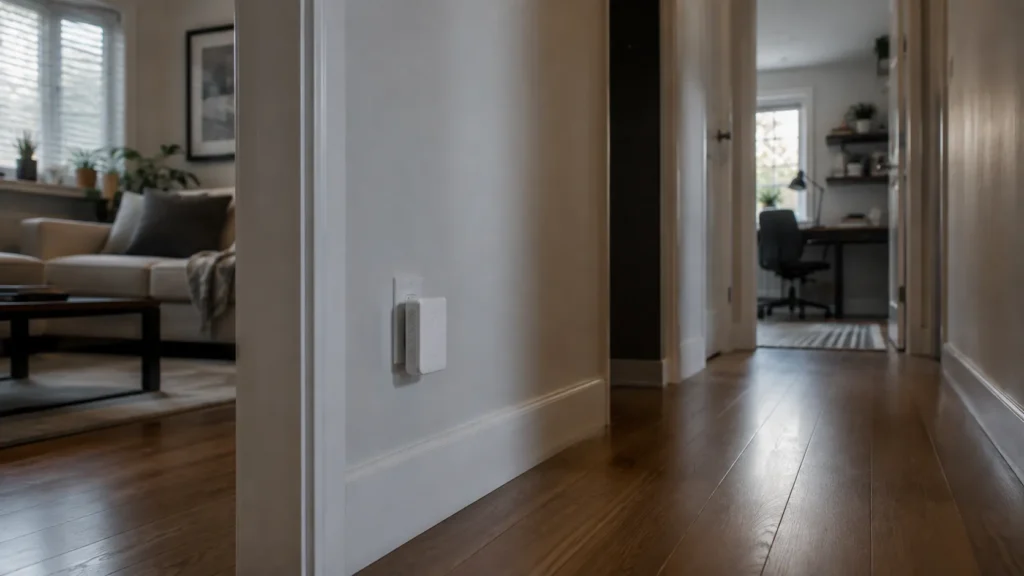
A Wi-Fi extender connects wirelessly to your existing network and rebroadcasts that connection into another area. It effectively acts as an intermediary between the main router and devices that would otherwise receive a weak signal. If Wi-Fi works well throughout the main floor but becomes unreliable in a rear bedroom, an extender positioned somewhere between the router and that room may provide usable coverage farther away.
The location of the extender is critical. Putting it directly inside a Wi-Fi dead zone usually produces disappointing results because there is very little useful signal available for it to repeat. It generally needs to sit somewhere that still receives a dependable connection from the main network while being close enough to improve coverage in the troublesome area. This makes extenders best suited to relatively specific coverage problems rather than whole-home network redesigns.
When an Extender Can Be Enough
If the existing network works properly through most of the home, replacing everything may be unnecessary. One weak bedroom, office, or nearby area can sometimes be addressed perfectly well with an extender. This is particularly reasonable when the devices in that location do not require the highest possible network performance.
General web browsing, email, smart-home equipment, and occasional streaming may have different requirements from a home office that depends on long video calls, cloud applications, remote desktop connections, and large file transfers. An extender is most worth considering when the existing router is otherwise performing well and the coverage problem is limited to one area. There also needs to be a suitable location between the router and the weak area where the extender can still receive a strong enough signal to work effectively. Cost and simplicity are part of the appeal because you can keep the network you already understand and add one piece of equipment.
Why Multiple Extenders Can Become Frustrating
Problems tend to appear when extenders are used as repeated patches for a network that really needs a broader solution. A provider router may be followed by an extender upstairs, another near the basement, and eventually an older router repurposed in a home office. Before long, nobody is quite sure which device is responsible for which part of the network.
Depending on the equipment and configuration, users may also encounter multiple network names or inconsistent behaviour as devices move around the house. A phone or laptop does not always switch connections exactly when you would like it to, particularly with a collection of unrelated networking devices. A single extender solving a single well-understood problem can be entirely sensible. If you are preparing to buy a second or third one, it is worth considering whether the network has outgrown that approach.
How Mesh Wi-Fi Is Different
A mesh Wi-Fi system is designed from the beginning to use multiple Wi-Fi points, usually called nodes, throughout the home. One unit connects to the internet connection while the others extend the network into additional areas. Instead of adding independent patches to an existing wireless network, the mesh nodes operate as parts of the same coordinated system.
For the household, this typically means one main Wi-Fi network throughout the home while the mesh system manages connections between devices and nodes behind the scenes. This can be especially useful in a multi-storey house where one router is being asked to cover a basement, main floor, upper bedrooms, and perhaps an addition or home office at the opposite end of the building. Many mesh systems also provide app-based setup, network management, guest access, and guidance for positioning nodes. That convenience has made them a popular way to improve whole-home Wi-Fi without building a more traditional network from individual access points.
When Mesh Wi-Fi Makes More Sense
Mesh becomes more attractive as the coverage problem grows. Suppose the router provides a good connection in the living room, but Wi-Fi is unreliable in the basement office, weak in an upstairs bedroom, and inconsistent toward the back of the house. You could attempt to solve each location individually with extenders, but a coordinated system may become easier to understand and manage.
A mesh system is worth considering when several areas have poor coverage, particularly when those areas are spread across different floors. It can also make sense if the existing router is due for replacement anyway, since you are already considering a broader change to the network. Household behaviour matters too. Someone who carries a laptop between an office, kitchen, and patio or regularly takes calls while moving through the home may appreciate a coordinated network more than someone whose devices remain in fixed locations.
Mesh Nodes Still Need Good Placement
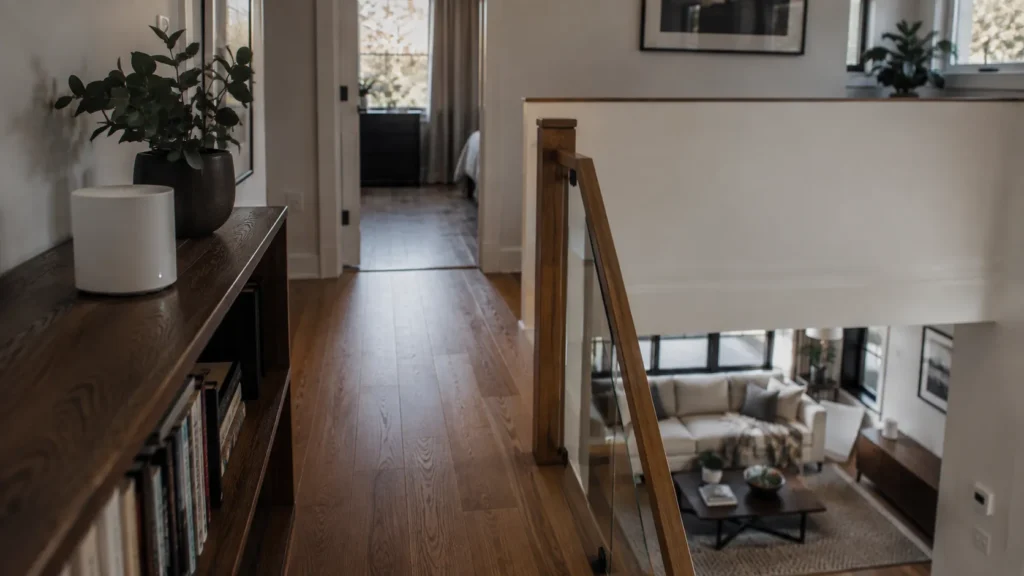
Mesh systems reduce some of the awkwardness of extending Wi-Fi, but they do not eliminate the basic physics involved. A common mistake is placing mesh nodes directly in the rooms where the original Wi-Fi is worst. Unless the system has a wired connection between nodes, each point still needs a reliable way to communicate with the rest of the mesh.
A node can provide an apparently strong Wi-Fi signal to a nearby laptop while having a poor connection back through the network. The laptop sees the nearby node, but the node itself is struggling to move data to and from the rest of the system. Good placement therefore involves creating sensible connections between the nodes while extending coverage toward the areas that need it. Walls, floors, masonry, metal, appliances, ductwork, and distance still matter.
Adding more nodes is not necessarily the answer either. An appropriate number of well-positioned Wi-Fi points is more useful than filling the house with equipment simply because additional nodes are available. Placement should solve a specific coverage problem rather than simply maximize the number of devices in the network.
Wired Connections Can Make Mesh Better
Many mesh systems communicate between nodes wirelessly, which makes installation convenient. Where Ethernet is already available, however, some mesh systems can use it to connect their nodes, commonly called wired backhaul. A wired connection between locations can reduce the amount of work the wireless network has to do.
This can be particularly valuable in larger homes or buildings where floors and construction materials make communication between wireless nodes difficult. Existing network cabling is therefore worth identifying before deciding what equipment to buy. Some homes have Ethernet installed in several rooms even though the current network does not use it. Cabling left behind from a previous setup may also be useful once its endpoints and condition are understood.
Do Not Overlook Wired Access Points
A wired access point connects to the network through Ethernet and provides Wi-Fi in its immediate area. This can be an excellent way to bring dependable wireless coverage to a distant part of a home without relying on another wireless hop. Consider a home office on the upper floor with Ethernet already running back to the main router.
A wired access point in that office can provide strong local Wi-Fi while using the cable for its connection to the rest of the network. This approach can require more planning than plugging in a consumer extender, and running new cable through a finished home may not be practical. Where the wiring already exists, though, it deserves serious consideration. For some homes, the best network may use a combination of approaches, provided each piece of equipment has a clear purpose.
Neither Option Will Fix a Slow Internet Connection
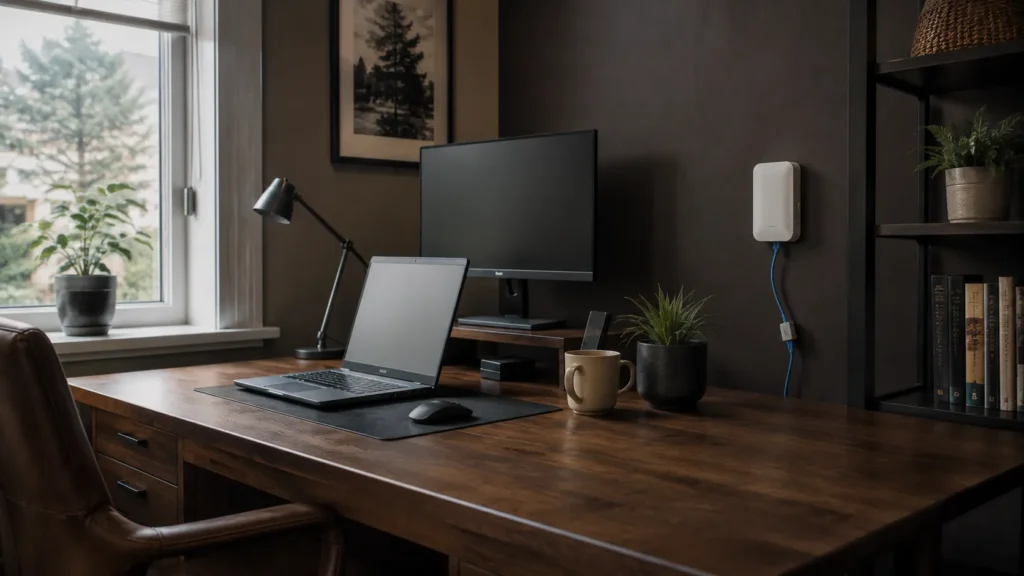
Extenders and mesh systems improve how the network reaches devices around the home. They do not increase the internet service being delivered to the router. If your internet connection performs well beside the router but becomes unreliable upstairs, better Wi-Fi coverage may allow the upstairs devices to make much better use of the connection you already have.
If the connection is slow even when you are beside the router, adding mesh nodes around the house will not address the underlying issue. The modem, router, internet service, or another part of the connection should be investigated first. This is why some basic diagnosis should come before a shopping decision. Our guide to improving Wi-Fi coverage in a Toronto home explains how to distinguish a wireless coverage problem from an internet-service problem and identify some common causes.
What About Condos and Smaller Homes?
A mesh system can be excellent technology and still be unnecessary for a particular space. A reasonably modern router in a sensible location may provide more than enough coverage for a smaller condo or apartment. If Wi-Fi performs poorly despite the relatively short distances involved, interference, equipment problems, router placement, or the internet connection may deserve investigation before additional Wi-Fi points are introduced.
Larger square footage does not automatically mean a more difficult wireless environment either. A single-level home with an open layout may be easier to cover than a narrower multi-storey house where the router sits at one end of the main floor. This is particularly relevant in Toronto, where homes vary considerably in age, layout, construction, and where internet service enters the building. Equipment advertised for a particular square footage cannot account for all of those differences.
Extender or Mesh: A Practical Decision
For a single weak area, an extender can be a reasonable and economical solution. Start by confirming that the main Wi-Fi network works properly and that there is a suitable location where the extender can receive a dependable signal. When several rooms or floors have coverage problems, mesh becomes more compelling because a coordinated system is generally easier to manage than several unrelated extenders.
If Ethernet is already available in the problem areas, investigate wired mesh connections or access points before assuming everything needs to communicate wirelessly. Existing cabling can significantly change what makes sense. If performance is poor everywhere, including near the router, hold off on both options until the underlying problem has been identified.
These guidelines are useful starting points, but they are not absolute rules. Two homes of similar size can require very different networks because their layouts, construction, equipment, and usage are different. The home and the way its occupants use the connection should guide the decision.
When a Wi-Fi Assessment Can Save Some Guesswork
Networking equipment is easy to buy, which can make trial and error tempting. An extender is inexpensive enough to try, and a mesh kit promises broad coverage in a convenient box. The problem comes when several purchases later the original issue still has not been identified.
Professional assistance can make sense when there are multiple dead zones, unreliable home-office connections, uncertainty about existing Ethernet, or several pieces of networking equipment already interacting with one another. A useful assessment should begin with the existing network. Where the internet enters the home, the location and condition of the router, available cabling, problem areas, connected devices, and the household’s actual requirements all help determine the appropriate solution.
East Toronto Tech provides Wi-Fi and connectivity support for Toronto homes and home offices, including troubleshooting coverage problems and helping determine whether an extender, mesh system, wired access point, equipment change, or simpler adjustment makes sense. The aim is to understand the problem before recommending more equipment. That can avoid unnecessary cost and complexity.
Choose the Simplest Network That Does the Job
A Wi-Fi extender can be an excellent solution when one area sits just beyond reliable coverage. Mesh Wi-Fi becomes more attractive when the problem spans several rooms or floors, while existing Ethernet may make wired access points or wired mesh connections the stronger option. The goal is a network that provides dependable coverage without accumulating unnecessary equipment or complexity.
Once it is set up properly, you should rarely have to think about how your devices are connecting. Good home Wi-Fi is ultimately fairly unremarkable. It works where you need it, remains understandable when something goes wrong, and otherwise stays out of the way.